Customer Dashboard
The dashboard is your personal control center where you can see your level, points, coupons and recent activity.
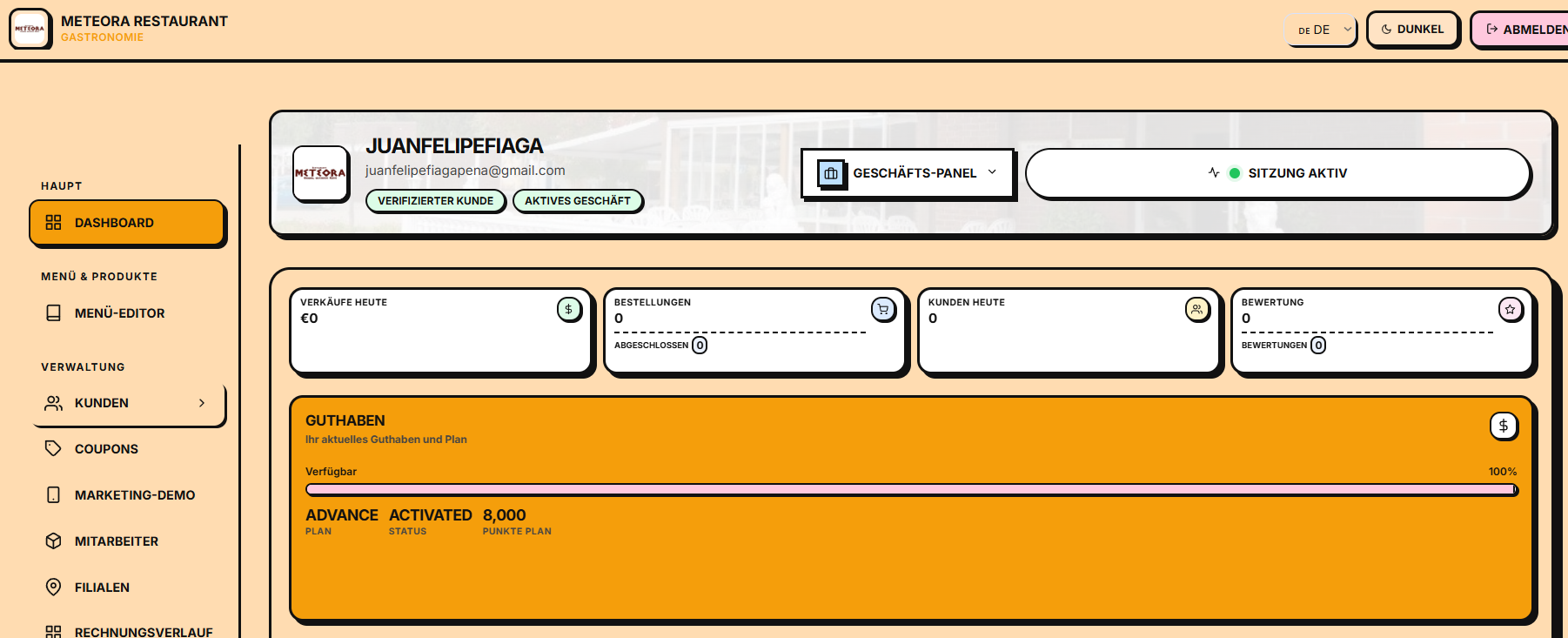
Access
Once logged in, the client's dashboard is available as the main page.
Main elements
🎯 Your current level
At the top you will see a card with:
- Your current level (Explorer, Frequent, Gold or Diamond)
- Your accumulated total points
- A progress bar towards the next level
- The percentage completed
📊 Statistics
Three cards with key metrics:
| Métrica | Descripción |
|---|---|
| Punkte gesamt | Puntos totales acumulados en tu cuenta |
| Aktive Gutscheine | Cupones disponibles para usar |
| Status | Estado de tu cuenta (activa/bloqueada) |
🎁 Offers available
A list of personalized offers that you can take advantage of at affiliated businesses. Each offer shows:
- Name of the offer
- Type (LIMITED, AKTIV, EXKLUSIV, etc.)
- Validity date
📈 Recent activity
A history with your last actions:
- ⭐ Points received
- 🎟️ Coupons redeemed
- 🏆 Level ups
- 🎁 New coupons available
📱 Your QR code
At the bottom of the dashboard you will see your personal QR code with your referral link. This code is unique and can be used to invite new people to the platform. Share it with your contacts so they can register as your referrals.
Level system
E-Smartpoints has a tiered loyalty system:
| Nivel | Rango de puntos | Beneficios |
|---|---|---|
| 🧭 Explorer | 0 - 50 | Acumular puntos, cupones básicos |
| 🥉 Frequent | 50 - 300 | Mayor tasa de puntos, cupones exclusivos |
| 🥇 Gold | 300 - 500 | Soporte personal, recompensas premium |
| 💎 Diamond | 500 - 1000 | Servicio VIP, todas las funciones |
Quick Actions
From the dashboard you can quickly access:
- 📱 My QR — View and share your personal code
- 🎁 Coupons — Explore all available coupons
- 🎟️ Coupons — Manage your coupons
- 📊 Levels — View details of the level system