Coupons
Create personalized coupons to attract customers, build loyalty and increase your sales.
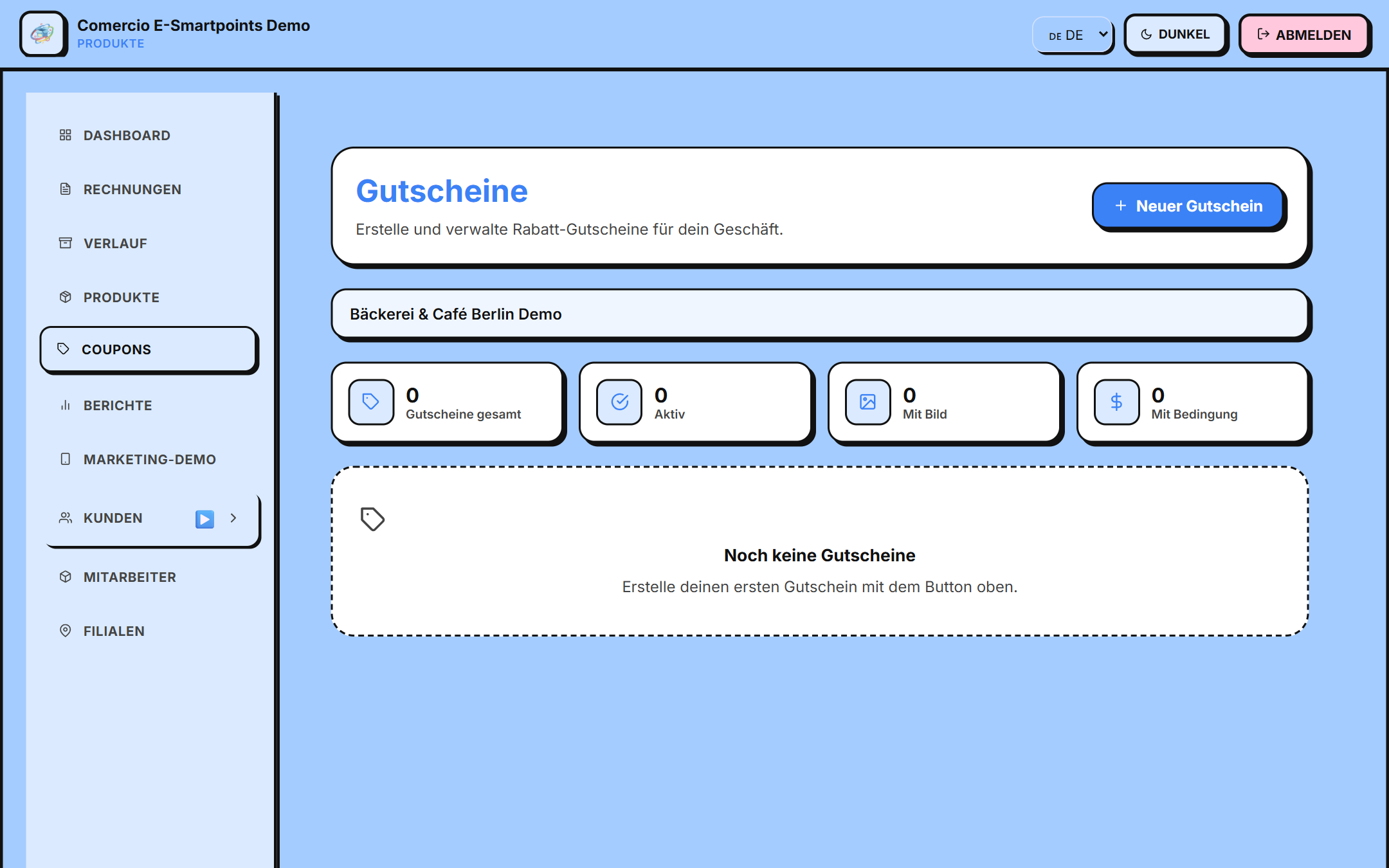
Access
/app/cupones
Discount types
E-Smartpoints supports several types of coupons:
| Tipo | Descripción | Ejemplo |
|---|---|---|
| Porcentaje | % de descuento | 20% |
| Monto fijo | Descuento en € | 5€ |
| 2x1 | Compra 2 lleva 1 | (requiere configuración) |
| Envío gratis | Sin costo de envío | (para futuras features) |
| Regalo | Producto gratis al comprar X | (configuración avanzada) |
Create a coupon
- Click "Neuer Gutschein" (upper right corner)
- Complete the form:
Basic information
- Name of the coupon
- Discount type (Percentage/Amount)
- Value of the discount
- Unique Code (auto-generated, ex:
WELCOME20)
Conditions
- ⏰ Expiration date (when the coupon expires)
- 🔢 Maximum uses (how many times can you redeem)
- 👤 For clients (all, new, VIP, etc.)
- 🎂 On birthday (automatic on birthday)
- 🛒 Minimum purchase (minimum purchase to apply)
- 🏪 Cumulative (can be combined with other coupons)
Restrictions
- 🍽️ Product-specific Category (optional)
- 👥 Customer type (all, new, VIP)
- 🏪 Applicable to: physical / online store / both
- Click "Erstellen" to save
Coupon List
Your coupon list shows:
- 🆔 Coupon Code
- 💰 Type and value (ex: "20% discount")
- 👥 Uses (ex: "12 / 50")
- 🟢 Status (Active / Paused)
- ✏️ Edit / 🗑️ Delete
Activate/Deactivate
You can pause a coupon without deleting it:
- Find the coupon
- Change the toggle from Active to Paused
- Customers will no longer be able to redeem it, but the history is maintained
Predefined coupon types
E-Smartpoints offers templates ready to use:
| Plantilla | Código auto | Descripción |
|---|---|---|
| 🎉 Bienvenida | WELCOME20 | 20% en primera compra |
| 🎂 Cumpleaños | BIRTHDAY15 | 15% en mes de cumpleaños |
| 👑 VIP | VIP30 | 30% para clientes Gold/Diamond |
| 📅 Temporada | SUMMER25 | 25% en verano |
| 🔄 Fidelidad | LOYAL10 | 10% tras 5 compras |
Metrics
For each coupon you can see:
- 👁 Impressions: how many times it was shown
- 🖱 Clicks: how many times it was clicked
- 🎟️ Redeems: how many times it was used
- 💰 Revenue generated vs total discount
- 📊 ROI of the coupon
Next steps
- Learn about marketing with AI →
- Configure POS → to register sales