Product management
The products module allows you to create, edit and manage your entire catalog from one place.
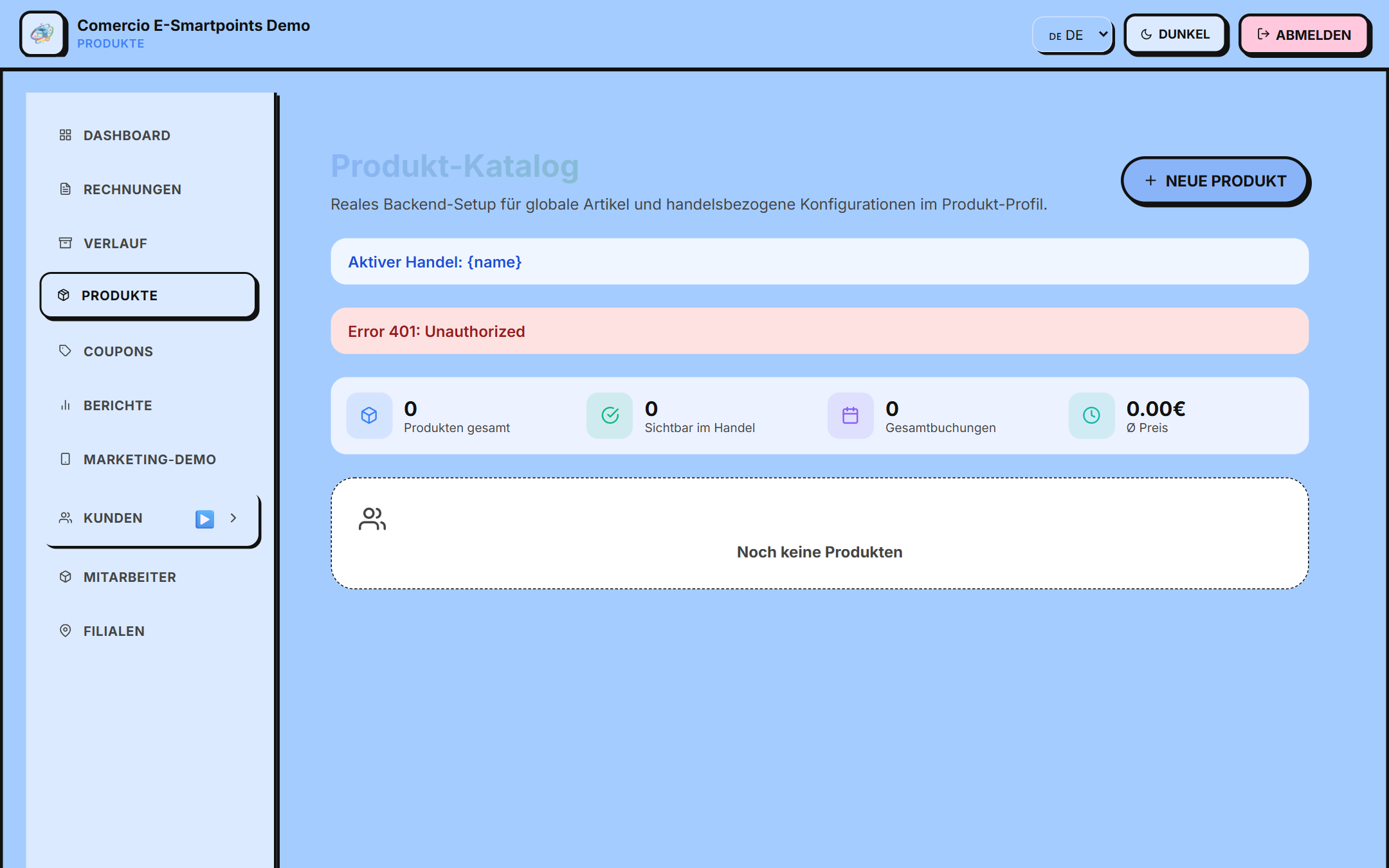
Access
Navigate to the section from the side menu:
/app/produkte
List view
The catalog displays your products in horizontal list format (Business Suite style), with the following information per product:
- 🖼️ Square Image
- 📛 Name
- 🏷️ Badges (Beliebt, Neu)
- 📝 Short Description
- 🏷️ Type and duration (if applicable)
- 👁 Visibility badge (Sichtbar/Ausgeblendet)
- 💰 Featured Price
- ✏️ Edit / 🗑️ Delete
Create a product
- Click the "Neue Produkt" button (upper right corner)
- A modal opens with 3 sections:
Section 1: Create Global Item
| Campo | Descripción |
|---|---|
| Produktsname | Nombre del producto |
| Basispreis | Precio base |
| Typ | Seleccionar de la lista (ej: Producto, Servicio) |
| Einheit | Unidad (ej: unidad, kg, hora) |
| Beschreibung | Descripción detallada |
Section 2: Set up for trading
- Verkaufspreis: sale price (can be equal to the base price)
- Bestand: stock available
- Produktsbild: product image (JPG/PNG, max 1MB)
- ☑️ Im Handel sichtbar: visible in the shop
Section 3: Additional Configuration (Optional)
Custom key-value pairs for extra information (e.g. color, size, material).
- Click "Produkt anlegen" to save
Edit a product
- Find the product in the list
- Click the "Bearbeiten" (pencil) button
- Modify the necessary fields
- Click "Änderungen speichern" to save
Delete a product
- Click the "Löschen" (trash) button
- Confirm in the dialog
- The product is permanently removed
Preview modal
Clicking on a product row (not buttons) opens a preview modal with:
- Large image
- Name and full description
- Visibility status
- Buttons to edit or close
Types and units
The types and units are configured in the backend (catalog). Examples:
| Tipos comunes | Unidades comunes |
|---|---|
| Produkt (Producto) | Stück (Unidad) |
| Dienstleistung (Servicio) | kg |
| Artikel (Artículo) | Stunde (Hora) |
| Getränk (Bebida) | Liter |
| Speise (Plato) | Portion |
Bulk import
To upload many products at once, contact the support team. They will provide you with a CSV template.
Next steps
- Configure restaurant menu → (if your profile is a restaurant)
- Learn to use Point of Sale (POS) → to sell