Restaurant menu
If your profile is Restaurant, the Menu module allows you to manage your digital menu.
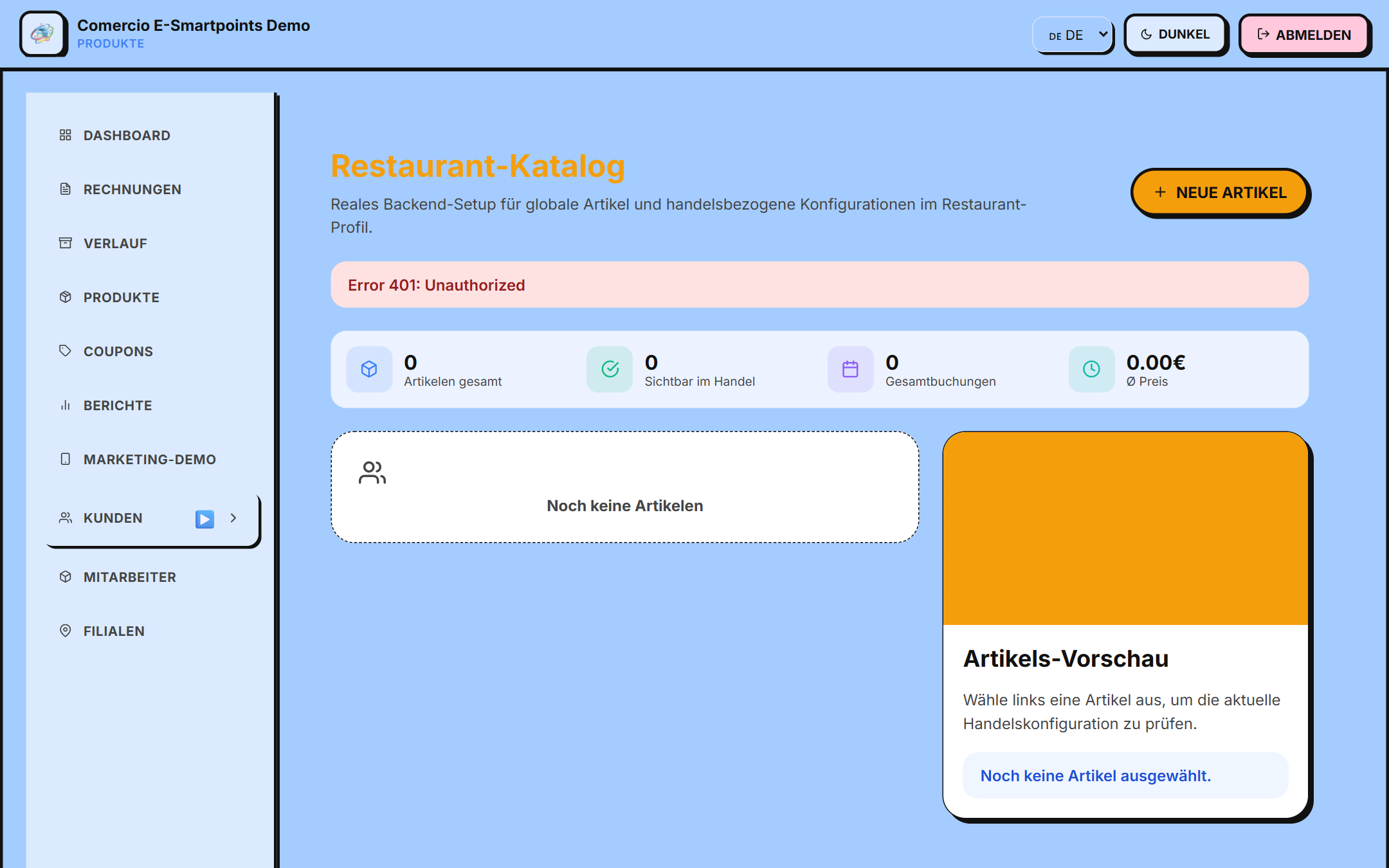
Difference with Products
| Productos | Menú de Restaurante |
|---|---|
| Para comercios en general | Específico para restaurantes |
| Productos físicos | Platos y bebidas |
| Inventario general | Carta gastronómica |
Although they share the same system, the restaurant menu is optimized for:
- 🍽️ Main dishes
- 🥗 Starters
- 🍰 Desserts
- 🥤 Drinks
- 🌮 Menus of the day
Access
/app/restaurantes/menu
Create a menu item
The process is identical to that of products:
- Click "Neue Artikel" (upper right corner)
- Complete the form (same as for products)
- Select the appropriate Type: - 🍽️ Dish - 🥗 Starter - 🍰 Dessert - 🥤 Drink
- Add an attractive image of the plate
- Set price and availability
- Save
Useful badges for the menu
- Beliebt (Popular) — for best sellers
- Neu (New) — for newly added dishes
- Tagesmenü (Menu of the day) — if they rotate daily
- Saisonal (Seasonal) — for seasonal dishes
- Vegetarisch (Vegetarian) / Vegan — for special options
Special settings
Some merchants configure variants using the additional configuration field:
"variantes": {
  "tamaño": "Pequeño,Mediano,Grande",
  "extras": "Extra queso,Sin cebolla"
}
Client view
When a customer views your menu from the app, they see:
- 🍽️ Image of the dish
- 📛 Name and description
- 🏷️ Badges (popular, new)
- 💰 Price
- ⭐ Ratings (if enabled)
Next steps
- Create special coupons → for your menu
- Learn to use POS → to take orders