Customer registration
Creating a customer account is free and gives you immediate access to exclusive benefits at affiliated businesses.
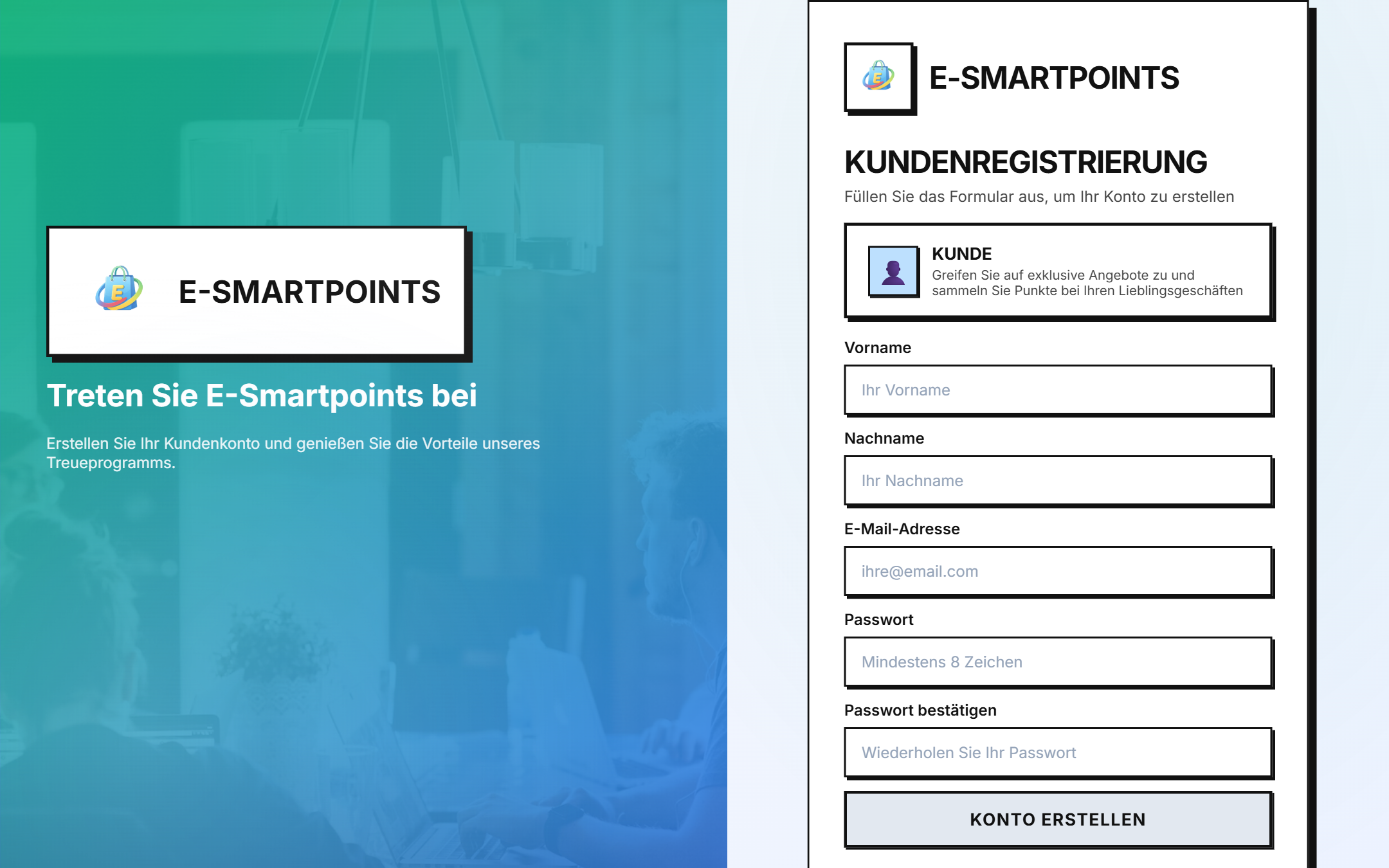
Access to the registration screen
Navigate to the login screen by clicking "Anmelden" from the main page. If you don't have an account yet, click on the link "Registrieren" or go directly to:
https://login.e-smartpoints.de/register
Required data
Complete the form with the following information:
| Campo | Descripción | Ejemplo |
|---|---|---|
| Vorname | Tu nombre | María |
| Nachname | Tu apellido | González |
| E-Mail-Adresse | Email válido y único | maria@email.com |
| Passwort | Mínimo 8 caracteres | MiPassword123! |
| Passwort bestätigen | Repite la contraseña | MiPassword123! |
Step by step
-
Open the form by clicking on "Konto erstellen" from the login screen.
-
Enter your personal information in the form fields. The password must be at least 8 characters.
-
Accept the terms by checking the acceptance box for the privacy policy (required).
-
Confirm registration by clicking on the "Konto erstellen" button.
-
Verify your email: you will receive a confirmation email. Click the link to activate your account.
-
Done! You can now log in and start accumulating points.
What happens after registration?
Once registered, automatically:
- 🎁 You receive a personal QR code to use in stores
- ⭐ You start at the Explorer level (0 points)
- 📧 You receive a welcome email with your referral code
- 🎟️ You have access to special offers only for members
##Login
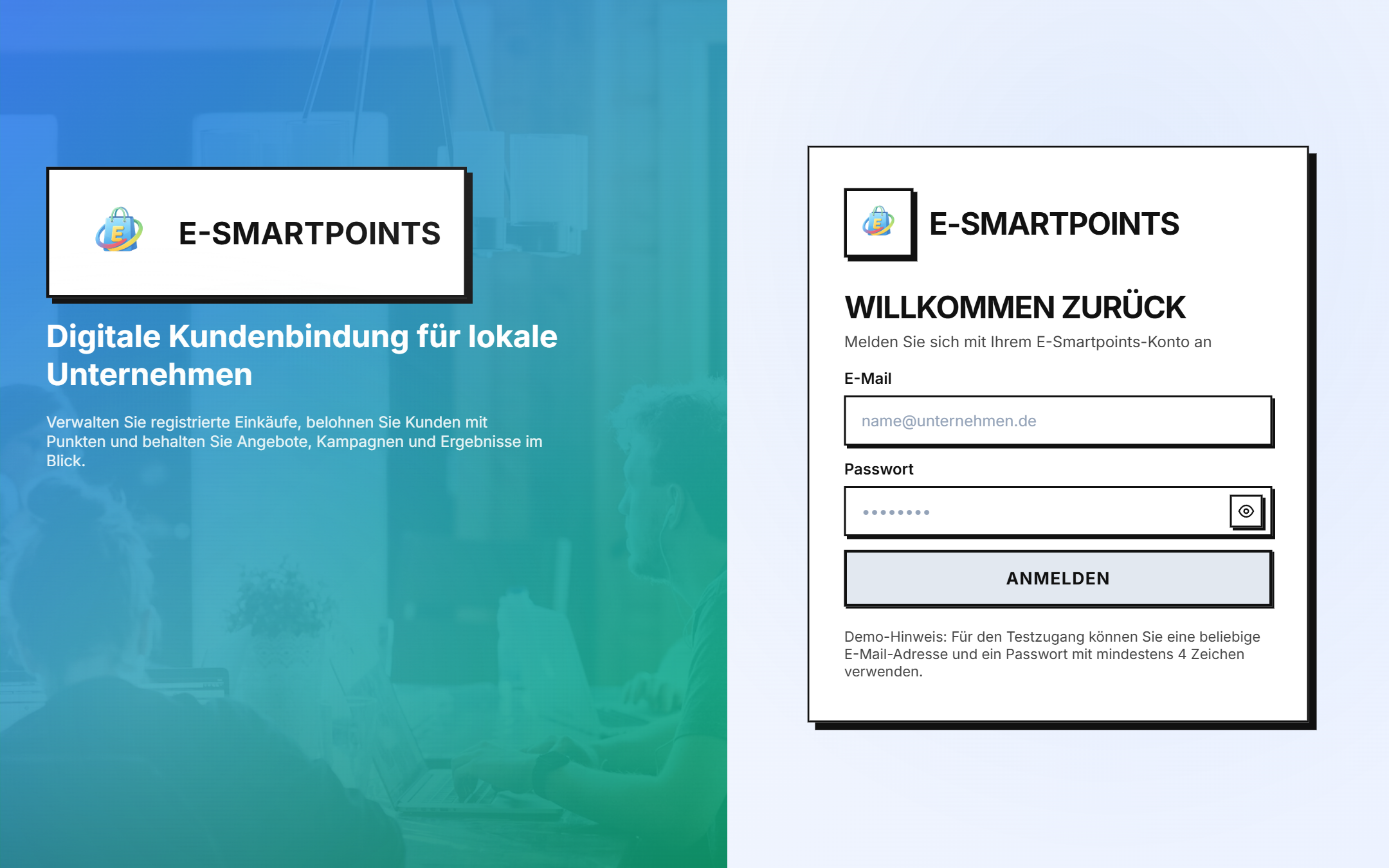
Once you have the account active, return to the login page and log in with your email and password:
Problems registering?
- Did you not receive the confirmation email? Check your spam folder or request a new email from the login screen.
- Email already registered? Try to recover your password with "Passwort vergessen?".
- Another problem? Contact support from the help section.
Next steps
Once registered, discover your client dashboard → and everything you can do.