Customer management
The clients module allows you to view, filter and manage your entire client database.
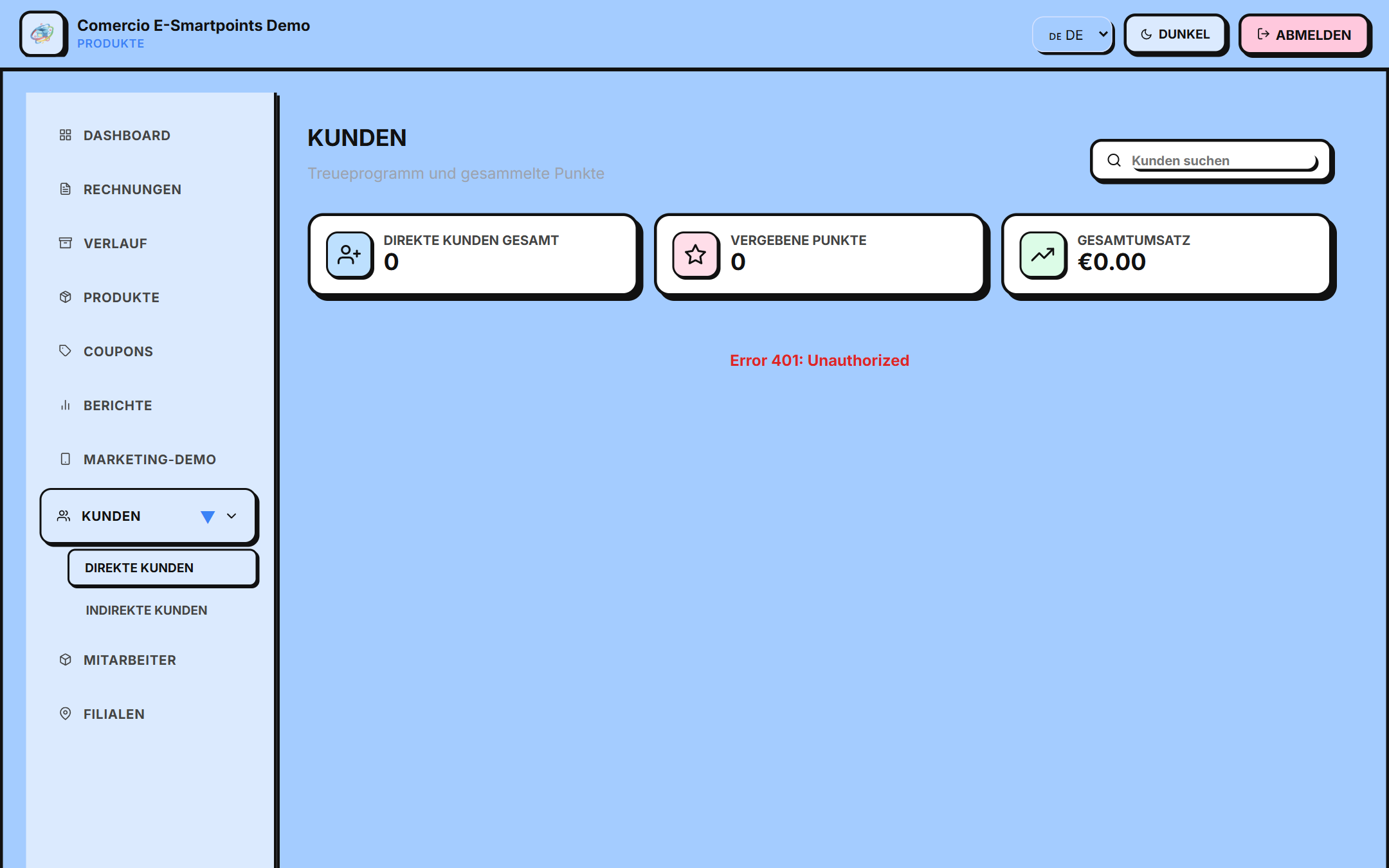
Access
/app/clientes
Customer List
The table shows your clients with:
- 👤 Full name
- ⭐ Points accumulated
- 🏆 Level (Explorer, Frequent, Gold, Diamond)
- 🕒 Last visit
- ⚙️ Actions (view, edit, delete)
Filters and search
- 🔍 Search by name or email
- 🏆 Filter by level
- ⭐ Filter by minimum points
- 📅 Filter by date of last visit
- 🏷️ Filter by tag (if you use them)
##Available actions
➕ Register new client
- Click "+ Neu" or "QR-Scan"
- Complete the form
- Assign welcome points if you want
- Save
👁 See full profile
- Click on a customer's 👁 icon
- You will see: - 📊 Purchase history - ⭐ Points earned and redeemed - 🎟️ Used coupons - 🕒 Last visit - 📝 Notes
✏️ Edit client
- Click on the ✏️ icon
- Modify the necessary data
- Save
🗑️ Delete client
- Click on the 🗑️ icon
- Confirm the deletion
- Note: this action is irreversible
Types of clients
E-Smartpoints classifies your customers according to their activity:
| Tipo | Descripción |
|---|---|
| 🆕 Nuevos | Registrados en los últimos 30 días |
| 🔄 Activos | Compraron en los últimos 90 días |
| ⭐ Frecuentes | Más de 5 compras |
| 🏆 VIP | Gold o Diamond |
| 😴 Inactivos | Sin compras en 6+ meses |
Segmentation
Create segments for specific campaigns:
- Go to "Segments" (coming soon)
- Define filters (level, points, date, etc.)
- Save the segment
- Use it to send coupons or campaigns
Export data
You can export your customer list:
- Click "Export" (top corner)
- Select the format (CSV / Excel)
- Choose the fields to include
- Download the file
Next steps
- Create marketing campaigns → for your clients
- Learn how to use the referral program →